Creole Compass
The Brick Phone Access Blocker Device for Cell Phones - Subscription-Free Phone Lock, Limits Smartphone Access, Reduces Screen Time & Improves Focus - High-Grade Magnet & Anti-Slip Silicone
The Brick Phone Access Blocker Device for Cell Phones - Subscription-Free Phone Lock, Limits Smartphone Access, Reduces Screen Time & Improves Focus - High-Grade Magnet & Anti-Slip Silicone
Regular price
$65.00 USD
Regular price
$65.00 USD
Sale price
$65.00 USD
Quantity
Couldn't load pickup availability


- Take Back Control of Your Screen Time: Brick is a physical device that temporarily removes distracting apps and their notifications from your phone by creating real world friction. When you're ready to reconnect, return to your brick and tap to unblock your apps. Includes 1 grey Brick.
- Effortless Control: Brick is subscription-free and includes lifetime access to the Brick app at no additional cost. No complex setups, just more time for what matters.
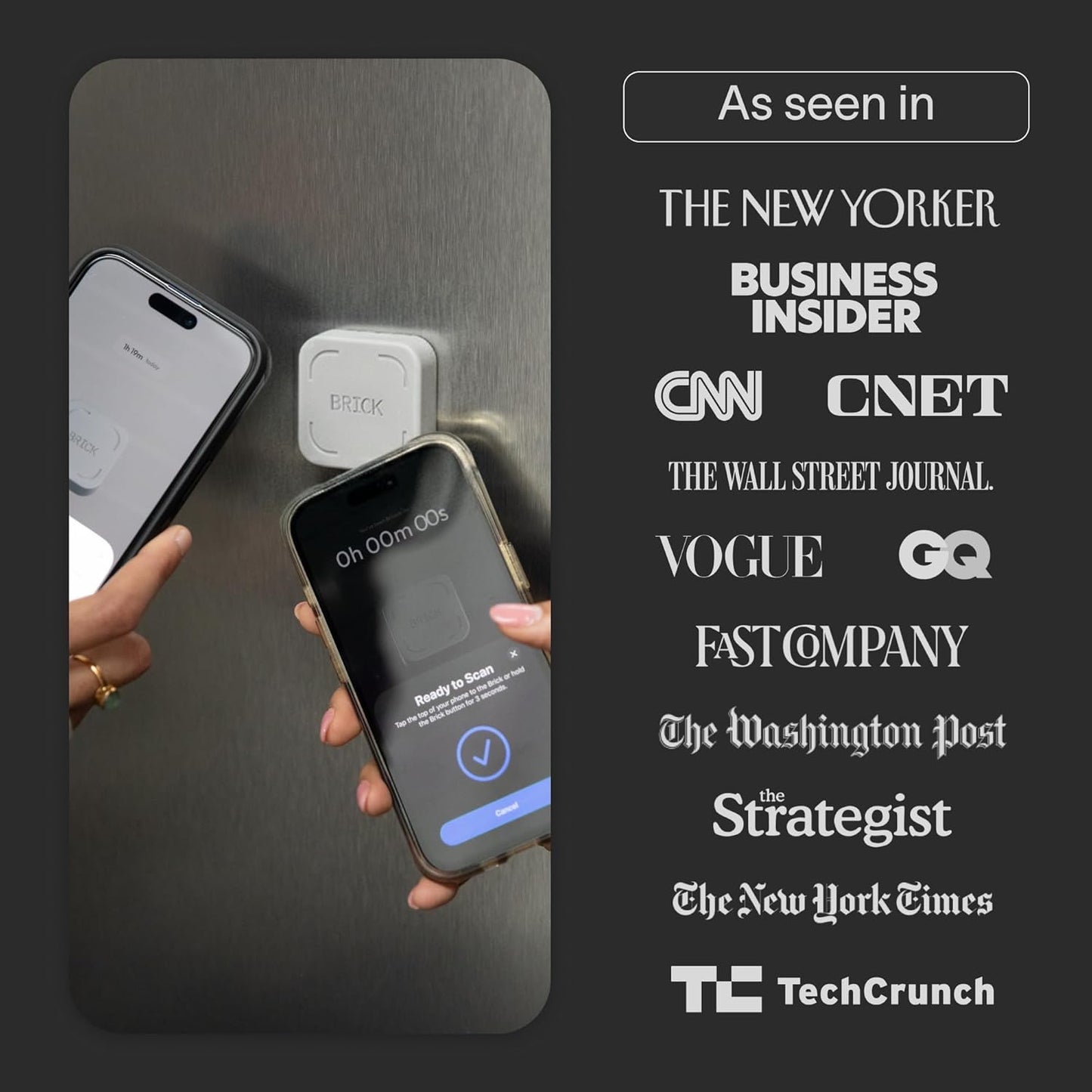
- How to Use: Open the Brick app and choose which apps or websites you want to block. Tap your phone to the Brick to activate it and turn your phone back into a tool that supports your goals. When you're ready to reconnect, simply tap again to regain access.
- Custom Modes: Create custom modes for different parts of your day — each with its own set of blocked apps. Boost productivity in Work mode, study without distractions in School mode, and be present at home in Family Time mode.
- Track Usage: Make digital health a daily habit. As soon as your phone is Bricked, a timer starts tracking how long you are staying focused for. You can monitor your Brick activity such as hours spent Bricked or daily average Bricked time in the app.